






Jump to content
  • Language

WHMCS 破解版 - 终身许可证 8.13.1

(0 reviews)

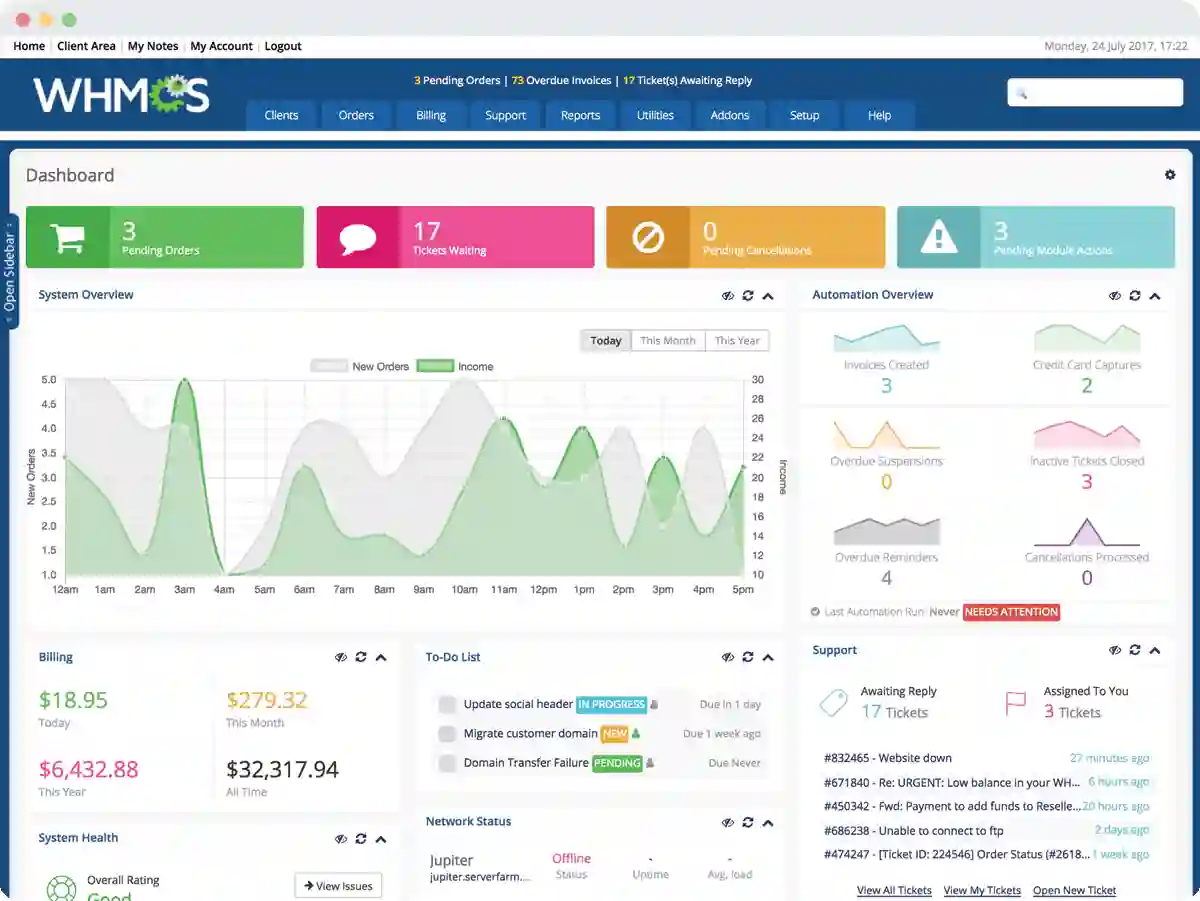
1 Screenshot

轻松实现虚拟主机自动化

WHMCS是一套国外流行的域名主机管理软件,跟国内众所周知的IDCSystem一样,主要在用户管理、财务管理、域名接口、服务器管理面板接口等方面设计的非常人性化。WHMCS是一套全面支持域名注册管理解析,主机开通管理,VPS开通管理和服务器管理的一站式管理软件,已经被越来越多的中国站长们所熟悉和了解。

作为国外知名的财务系统,已经有国内的各种管理系统尝试利用API接口进行二次功能的开发,如国内众多IDC商使用的 VPS管理系统Xensystem,已经成功接入WHMCS,发布并使用中。此举迎合了众多已习惯使用国外系统的中国IDC商的需求,加上Xensystem以及其他VPS系统的不断完善,相信WHMCS在中国的发展会更进一步。

  • 财务——支持多种货币,自动生成发票

  • 自动化——在线支付、退款、自动开通域名主机

  • 容易使用——界面清爽,支持多种语言

  • 产品设置——自由定义按月、按年等,可设置开通邮件

  • 后台支持——完善的有问必答系统

  • 模块——支持开通、暂停、删除、升级、解析域名等

  • 自定义——支持自定义模板,CSS,订单,语言等

  • 界面——前台订购页面支持多种内置选择

  • 支付——支持支付宝、财付通、paypal等主流支付方式

  • 推介——有自己的推介系统用户通过推介连接购买推介人可以提成

  • 二次开发——提供开发模板和API文档

What's New in Version 8.13.1

Released

No changelog available for this version.

User Feedback

There are no reviews to display.


© Copyright 2021-2025 okscc.com All rights reserved. 豫ICP备2024089627号 Icon 豫公网安备41030402000232
Disclaimer: This website does not store any video content or materials; it only provides links to files. The purpose is to convey more information and does not imply endorsement of their views or responsibility for their accuracy.

Important Information

Terms of Use Privacy Policy Guidelines We have placed cookies on your device to help make this website better. You can adjust your cookie settings, otherwise we'll assume you're okay to continue.

Configure browser push notifications

Chrome (Android)
  1. Tap the lock icon next to the address bar.
  2. Tap Permissions → Notifications.
  3. Adjust your preference.
Chrome (Desktop)
  1. Click the padlock icon in the address bar.
  2. Select Site settings.
  3. Find Notifications and adjust your preference.