





类型: 角色扮演
开发商/发行商:Beamdog
使用:本机
多人游戏:互联网(需要钥匙)
架构:amd64
版本:89.8193.37-13 内部版本 79120 (01/10/2025)
许可证:专有
界面语言:英语、德语、西班牙语、法语、意大利语、波兰语
语音语言:英语、德语、法语、波兰语
平板电脑:不需要(无 DRM)
系统要求:
☑ Linux:Ubuntu 12.04 或更高版本、Fedora 21、Debian 8
☑ 处理器:双核
☑ 内存:1 GB RAM
☑ 显卡:兼容 OpenGL 3.0。集成英特尔高清显卡应该可以工作,但不受支持。
☑ 硬盘:10 GB 可用空间。
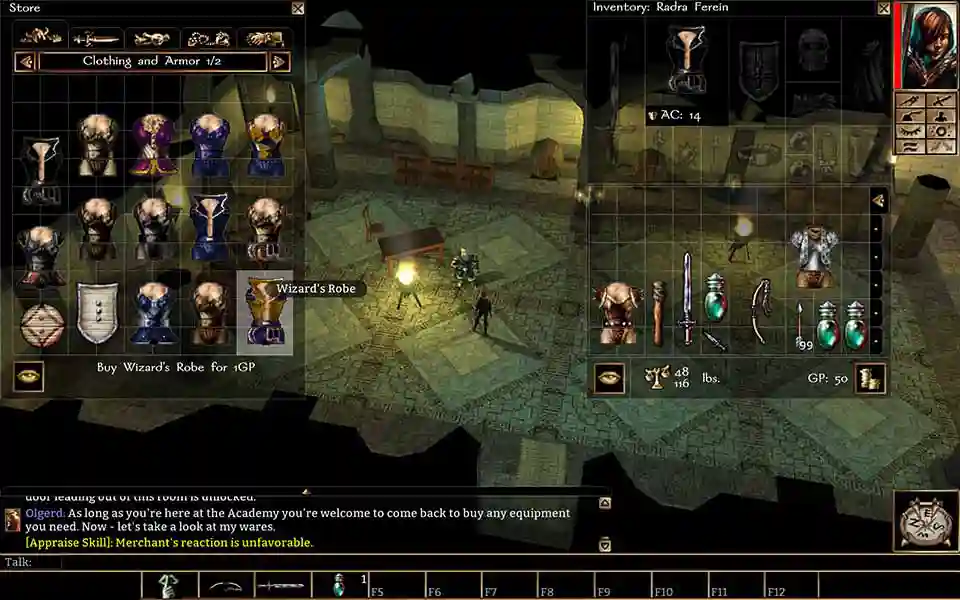
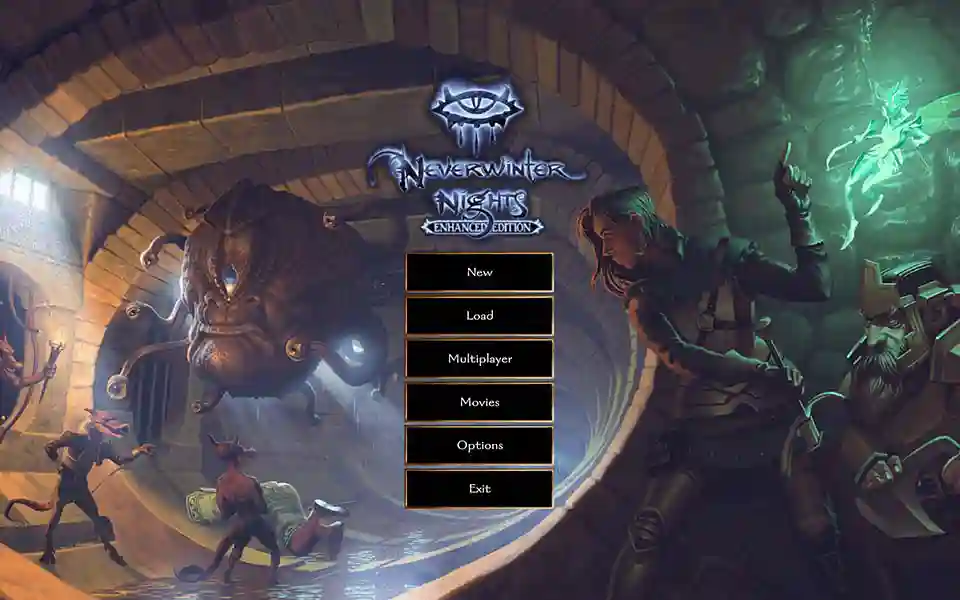
在这款基于龙与地下城角色扮演系统规则的畅销角色扮演游戏中重返被遗忘的国度。增强版包含了无冬之夜钻石版的所有内容以及前所未见的全新功能。该游戏将为您提供超过 100 多个小时的屡获殊荣的冒险以及您自己创造冒险的工具!
✔️ 额外的。信息:
GOG 未经修改的无 DRM 版本。奖金数字豪华版。
✔️ 包含 DLC:
Furiae 的黑暗梦境
Daggerford 的黑暗
无冬之英雄
无限地下
城 剑海岸的海盗
月海
暴君 飞龙 科米尔之冠
✔️ 安装程序
1. 授予安装程序执行权限 (*.sh)。
2.安装游戏(neverwinter_nights_enhanced_edition_88_8193_36_13_72824.sh)。
3.安装DLC:
neverwinter_nights_enhanced_edition_dark_dreams_of_furiae_88_8193_36_13_72824.sh
neverwinter_nights_enhanced_edition_darkness_over_daggerford_88_8193_36_13_72824.sh
neverwinter_nights_heroes_of_neverwinter_88_8193_36_13_72824.sh
neverwinter_nights_infinite_dungeons_88_8193_36_13_72824.sh
neverwinter_nights_pirates_of_the_sword_coast_88_8193_36_13_72824.sh
neverwinter_nights_tyrants_of_the_moonsea_88_8193_36_13_72824.sh
neverwinter_nights_wyvern_crown_of_cormyr_88_8193_36_13_72824.sh
neverwinter_nights_wyvern_crown_of_cormyr_89_8193_37_13_79120.sh
4. 如有必要,安装其他语言文件(包括配音和本地化视频):
neverwinter_nights_enhanced_edition_french_extras_89_8193_37_13_79120.sh
neverwinter_nights_enhanced_edition_german_extras_89_8193_37_13_79120.sh
neverwinter_nights_enhanced_edition_italian_extras_89_8193_37_13_79120.sh
neverwinter_nights_enhanced_edition_polish_extras_89_8193_37_13_79120.sh
neverwinter_nights_enhanced_edition_spanish_extras_89_8193_37_13_79120.sh
有什么新消息在版本 89.8193.37-13
发布
此版本没有可用的更改日志。
创建帐户或登录来提出评论