




Skip to content

Adobe Creative Cloud Collection 2025 v17.03.2025 (x64)

(0 reviews)

2 Screenshots

Adobe Creative Cloud Collection 是 Creative Cloud 2025 系列应用程序和许多初级版本程序的集合,它们由一个安装程序组合而成,能够选择安装路径和已安装程序的语言。就功能而言,一切都与过去久经考验的 Adobe Master Collection CS6 非常相似。只是在这里,安装程序界面发生了变化,当前软件包包含的程序比其同名的 Creative Suite 6 多得多,而且程序本身的版本大多更新。

文件尺寸

24.8 GB

版本预激活

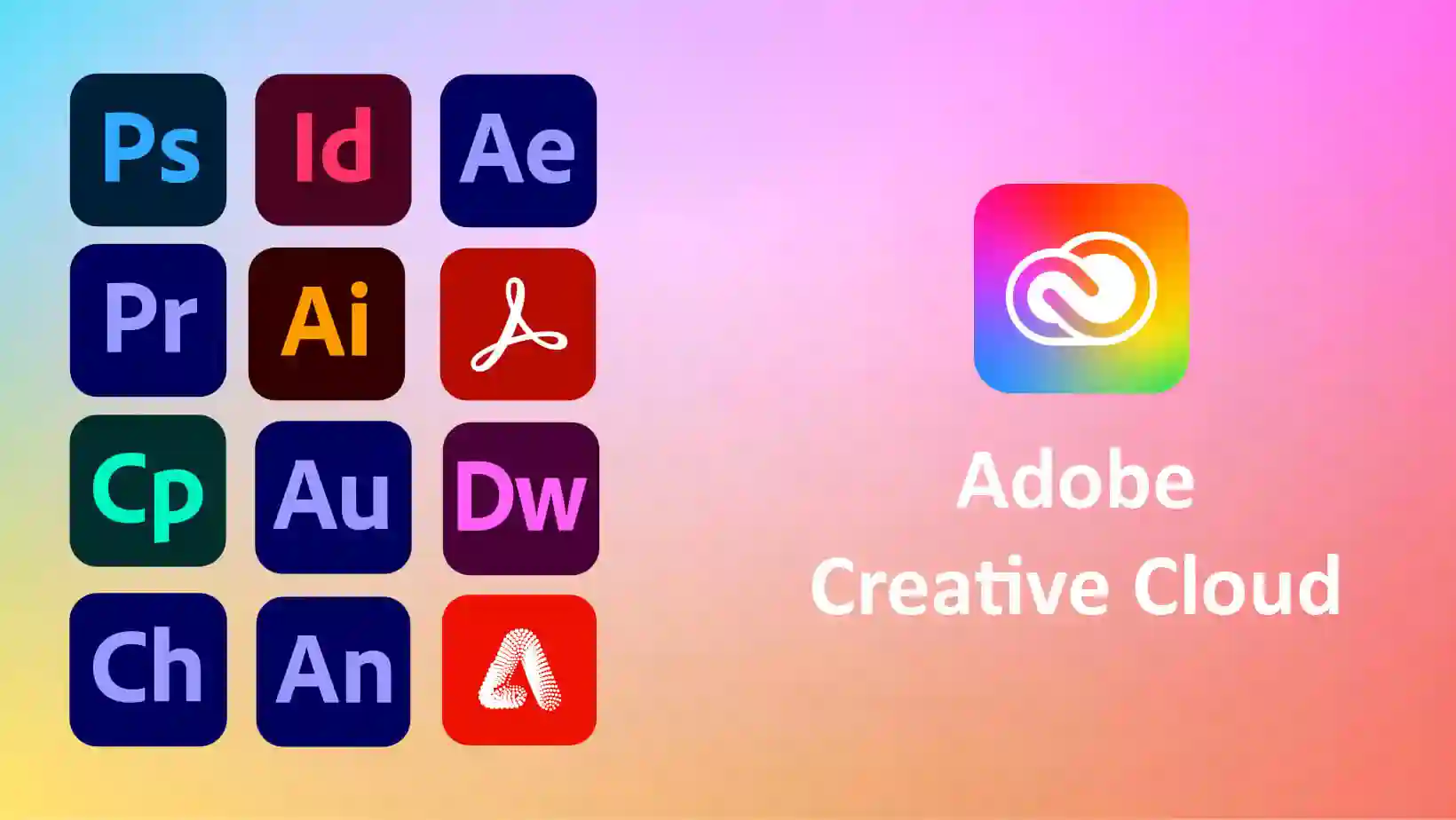
Adobe Creative Cloud Collection 包括

  • Adobe Acrobat Pro DC 2025.001.20432

  • Adobe After Effects 2025 v25.1.0

  • Adobe Audition 2025 v25.0

  • Adobe Bridge 2025 v15.0.2

  • Adobe Character Animator 2025 v25.0

  • Adobe Fresco v5.5.5

  • Adobe Illustrator 2025 v29.3.1

  • Adobe InCopy 2025 v20.2

  • Adobe InDesign 2025 v20.2

  • Adobe Lightroom Classic 2025 v14.2

  • Adobe Media Encoder 2025 v25.1.0

  • Adobe Photoshop 2025 v26.4.1

  • Adobe Premiere Pro 2025 v25.1.0

  • Adobe Premiere Rush v2.10.0.30

  • Adobe XD v57.1.12

如何使用 Adobe Creative Cloud Collection?

按照以下说明激活您的 Adobe Creative Cloud Collection 版本。

  1. 禁用互联网并双击安装文件夹中的setup.exe

  2. 选择要安装的 Adobe 产品(所有产品均已预先激活)

  3. 就这样吧,尽情享受吧!

What's New in Version v17.03.2025 (x64)

Released

No changelog available for this version.

User Feedback

Create an account or sign in to leave a review

There are no reviews to display.


© Copyright 2021-2025 okscc.com All rights reserved. 豫ICP备2024089627号 Icon 豫公网安备41030402000232
Disclaimer: This website does not store any video content or materials; it only provides links to files. The purpose is to convey more information and does not imply endorsement of their views or responsibility for their accuracy.

Important Information

Terms of Use Privacy Policy Guidelines We have placed cookies on your device to help make this website better. You can adjust your cookie settings, otherwise we'll assume you're okay to continue.

Account

Navigation

Search

Search

Configure browser push notifications

Chrome (Android)
  1. Tap the lock icon next to the address bar.
  2. Tap Permissions → Notifications.
  3. Adjust your preference.
Chrome (Desktop)
  1. Click the padlock icon in the address bar.
  2. Select Site settings.
  3. Find Notifications and adjust your preference.