




Skip to content

剪映 CapCut VIP 全功能版 6.0.1

(0 reviews)

2 Screenshots

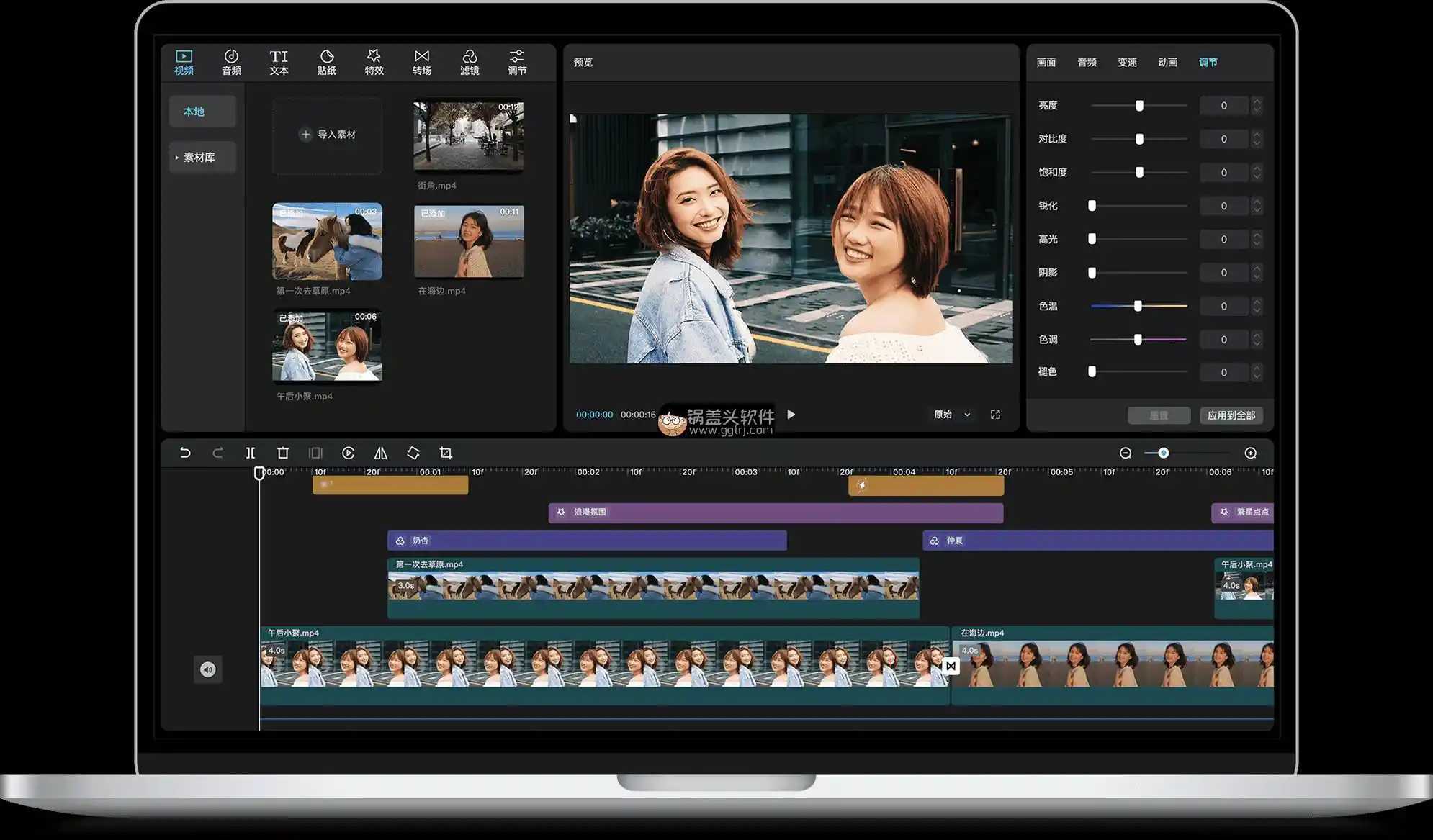
剪映(CapCut)已经成为视频编辑爱好者和专业人士的必备工具之一。它不仅功能强大,而且操作简单。带来了许多令人惊叹的VIP功能,让视频制作变得更加高效和有趣。

亮点

1. VIP全功能详解

  • 高级剪辑功能:如何使用多层剪辑、关键帧动画、遮罩和特效。

  • 高级音效处理:如何添加和调整背景音乐、音效和配音。

  • 专业色彩校正:如何使用剪映的色彩校正工具提升视频画面质量。

2. 繁体字幕添加教程

  • 字幕基础操作:如何添加和编辑字幕。

  • 繁体字幕设置:如何选择繁体字库并应用到视频中。

  • 字幕样式与特效:如何美化字幕,使其更具吸引力。

User Feedback

Create an account or sign in to leave a review

There are no reviews to display.


© Copyright 2021-2025 okscc.com All rights reserved. 豫ICP备2024089627号 Icon 豫公网安备41030402000232
Disclaimer: This website does not store any video content or materials; it only provides links to files. The purpose is to convey more information and does not imply endorsement of their views or responsibility for their accuracy.

Important Information

Terms of Use Privacy Policy Guidelines We have placed cookies on your device to help make this website better. You can adjust your cookie settings, otherwise we'll assume you're okay to continue.

Account

Navigation

Search

Search

Configure browser push notifications

Chrome (Android)
  1. Tap the lock icon next to the address bar.
  2. Tap Permissions → Notifications.
  3. Adjust your preference.
Chrome (Desktop)
  1. Click the padlock icon in the address bar.
  2. Select Site settings.
  3. Find Notifications and adjust your preference.