




Skip to content

Wondershare UniConverter 16.5.8.318

(0 reviews)

4 Screenshots

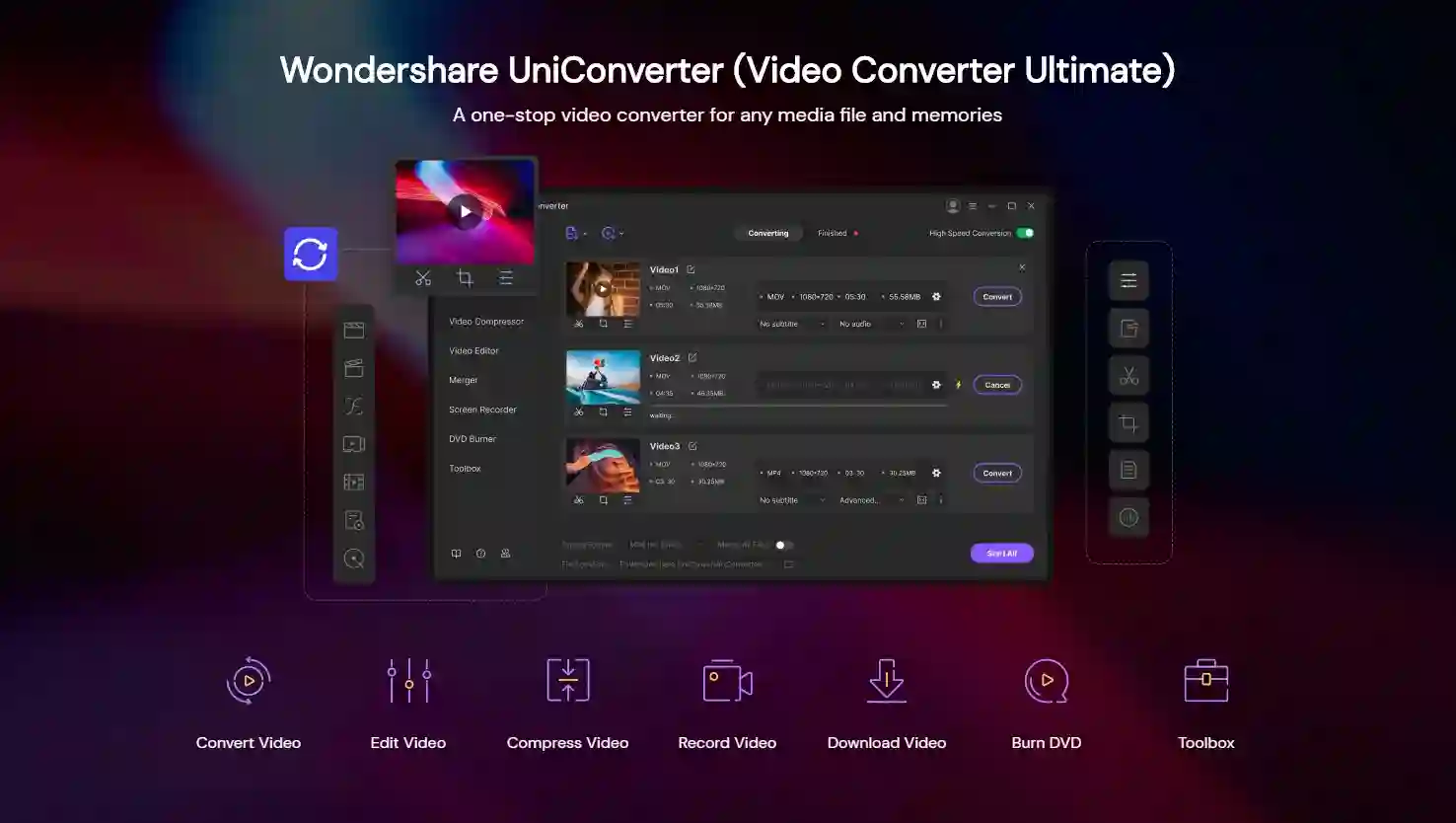
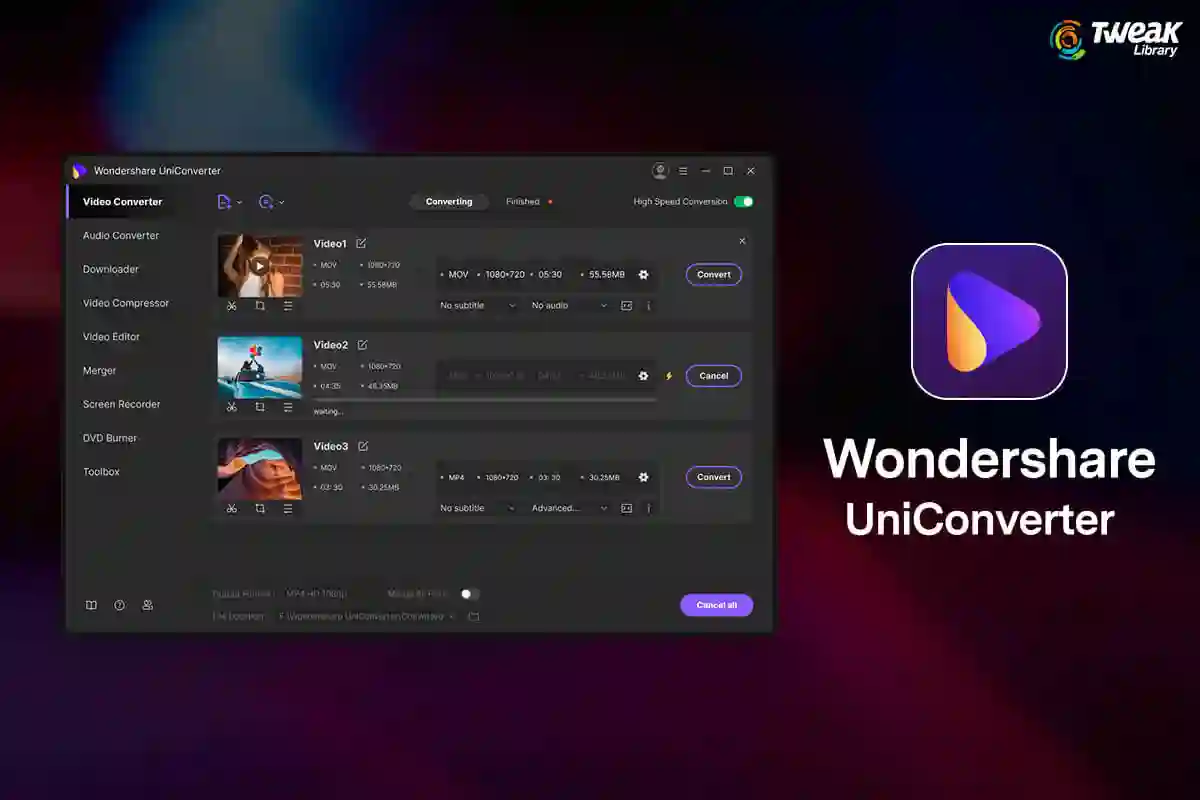
Wondershare UniConverter 16.5.8.318是这款一体化媒体工具箱的最新 Windows 版本,于2025 年 7 月 23 日发布。此更新引入了 AI 驱动的语音生成、增强的视频降噪和增强器模型、完整的 GPU 加速以及扩展的格式支持,使用户能够轻松地在 4K/8K/HDR 工作流程中创建、转换、录制和增强。

Wondershare UniConverter:人工智能驱动的转换和智能增强工具

  • AI 语音生成器和语音克隆:使用超过 150 种声音将文本转换为语音并克隆您自己的声音

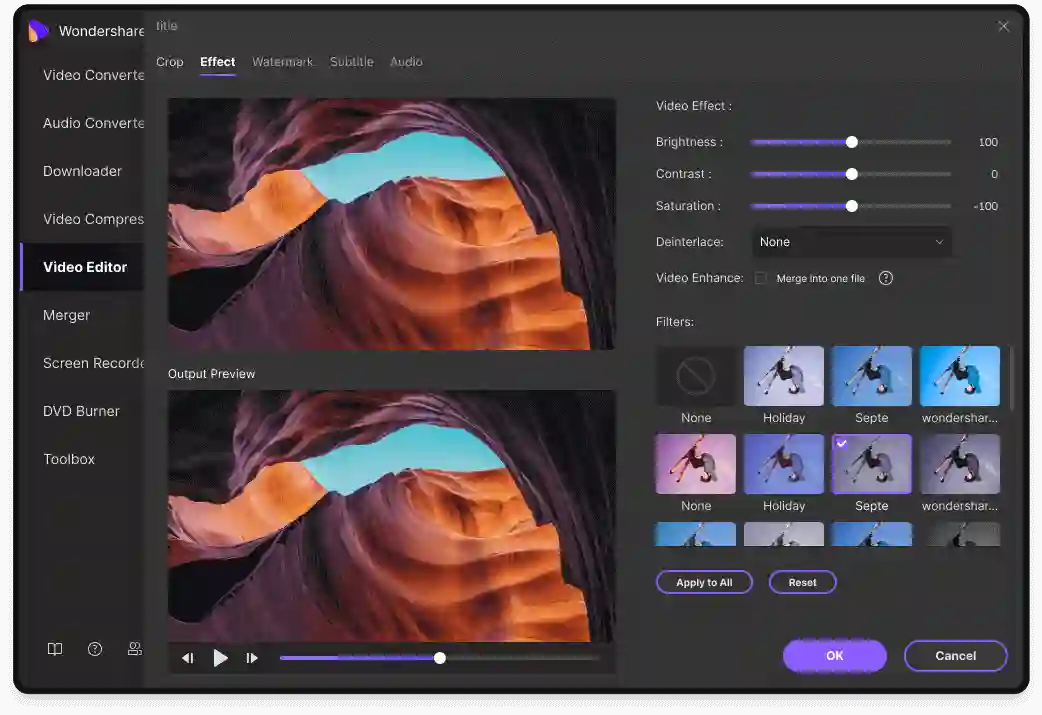
  • 视频增强器:新的动漫和面部增强模型,批处理支持

  • 噪音和人声消除器:使用一键式工具智能消除环境音或人声

  • 完整的 GPU 加速(包括 NVIDIA Blackwell 支持)可显著提高速度(在某些工作流程中可提高约 200 倍)

  • 8K/4K HDR 编码器和播放器,智能渲染,支持 MKV 多字幕/音频导出

What's New in Version 16.5.8.318

Released

16.5.8.318 版(2025 年 7 月 23 日)中的新增功能

  • 添加了 AI 语音生成器和语音克隆(9 种语言,150 多种声音)

  • 新的视频增强器模型(动漫/脸部)和批处理支持

  • 通过一键式工作流程改进噪音/声音消除

  • 为转换和编辑过程提供全面的 GPU 加速

  • 为 MP3 到 MP4 的转换添加了字幕文本格式和媒体封面设置器

User Feedback

Create an account or sign in to leave a review

There are no reviews to display.


© Copyright 2021-2025 okscc.com All rights reserved. 豫ICP备2024089627号 Icon 豫公网安备41030402000232
Disclaimer: This website does not store any video content or materials; it only provides links to files. The purpose is to convey more information and does not imply endorsement of their views or responsibility for their accuracy.

Important Information

Terms of Use Privacy Policy Guidelines We have placed cookies on your device to help make this website better. You can adjust your cookie settings, otherwise we'll assume you're okay to continue.

Account

Navigation

Search

Search

Configure browser push notifications

Chrome (Android)
  1. Tap the lock icon next to the address bar.
  2. Tap Permissions → Notifications.
  3. Adjust your preference.
Chrome (Desktop)
  1. Click the padlock icon in the address bar.
  2. Select Site settings.
  3. Find Notifications and adjust your preference.